301 Redirects in WordPress: how to change URLs while reducing SEO risks

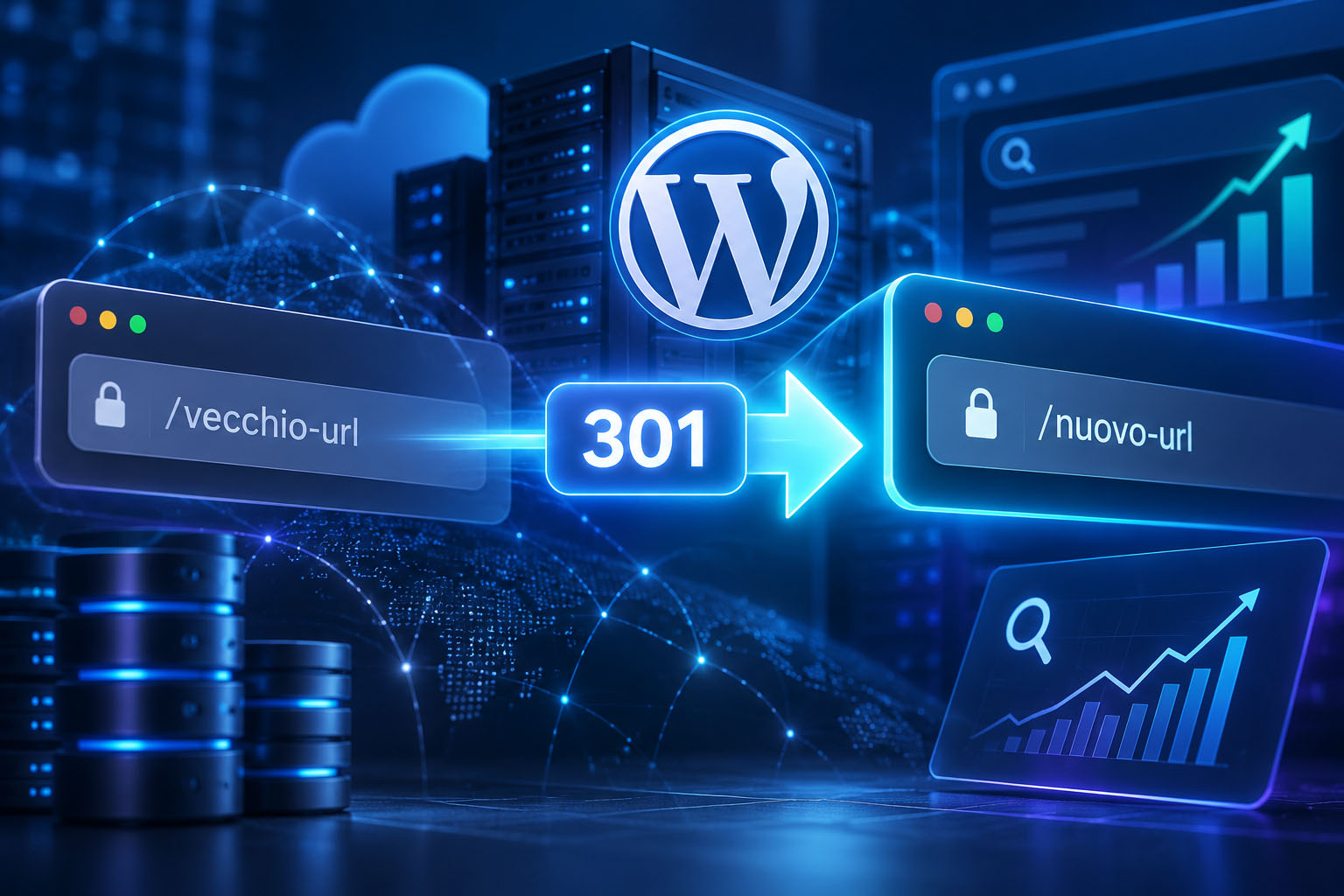
Changing a slug, merging two articles, or moving a site to a new domain can make URLs that have already been indexed, shared, or linked from other sites unusable. A 301 redirect in WordPress indicates that the move is permanent and directs users and crawlers to the correct resource.
A well-configured redirect does not guarantee unchanged traffic: after a URL change, Google must crawl, index, and consolidate signals again. The goal is to reduce 404 errors, backlink loss, redirect chains, and inconsistent SEO signals. Google explains the process in its guide to site moves with URL changes.
Before changing URLs: create a destination map
The most important work happens before changing permalinks, SEO plugins, or server configuration. For every old URL, decide whether to keep it, redirect it to a relevant page, or remove it without a redirect.
Collect the URLs that matter
Start with the XML sitemap and supplement the list with pages found in Google Search Console, analytics, crawlers, server logs, and backlink reports. Prioritize URLs with organic traffic, impressions, conversions, active campaigns, or external links.
Do not limit the review to posts and pages: a reorganization can also affect categories, tags, archives, child pages, PDFs, downloadable files, and images that receive direct links.
Create the old URL → new URL mapping
A spreadsheet makes decisions verifiable before publication. The match must be useful for users, not merely technically similar.
| Old URL | Destination | Reason | Method | Test |
|---|---|---|---|---|
| /guida-seo-wordpress/ | /seo-wordpress-guida-completa/ | Updated slug, equivalent content | Specific 301 | To be completed |
| /redirect-wordpress/ | /redirect-301-wordpress/ | Consolidated article | Specific 301 | To be completed |
| /vecchio-download.pdf | /risorse/nuovo-download.pdf | Replaced file | Server-side 301 | To be completed |
Where useful, add priority, owner, and release date. A pattern-based rule may be suitable only when the change is genuinely consistent; where there are exceptions, renamed paths, or merged content, URL-by-URL mapping is safer.
When not to use a 301 redirect
A removed page without a genuinely relevant replacement can return 404 Not Found or, if the removal is deliberate and permanent, 410 Gone. Avoid sending every deleted URL to the homepage: that destination often does not satisfy the original request and may be interpreted by search engines as a soft 404.
A single destination page is appropriate, however, when several pieces of content have genuinely been merged into a guide that covers their intent.
301, 308, 302, 307, 404, 410, and 503: which response to use
The HTTP status code must describe the actual situation. Google considers 301 and 308 strong canonicalization signals; for standard WordPress pages moved permanently, 301 remains the most common choice. For an overview of redirect behavior, see the MDN documentation.
| Code | When to use it | Typical use in WordPress |
|---|---|---|
| 301 | Permanent move | Slug, permalink, consolidation, domain, or HTTP→HTTPS change |
| 308 | Permanent move with explicit preservation of method and body | Technical or API contexts; rarely necessary for standard GET pages |
| 302 | Temporary move to an alternative resource | Testing or a temporary replacement of a page with a relevant destination |
| 307 | Temporary move with method preservation | Specific application requirements |
| 404 | Resource not found, with no useful replacement | Deleted page |
| 410 | Resource permanently removed | Intentional removal of content |
| 503 | Temporary unavailability with no replacement page | Maintenance; may be accompanied by the Retry-After header |
A 302 or 307 is not an alternative for a permanent migration. If a page or site is unavailable only for maintenance and there is no replacement destination, a 503 response is preferable to a redirect.
The most common WordPress scenarios
Changing a post or page slug
If /guida-seo-wordpress/ becomes /seo-wordpress-guida-completa/, create a 301 from the first URL to the second. WordPress may attempt to recover some old slugs through wp_old_slug_redirect(), but this should not be treated as a migration plan: it does not necessarily cover every post type, hierarchical structure, or path change.
For strategic URLs with traffic or backlinks, verify the actual response and define an explicit rule where necessary. The redirect_canonical() mechanism, which normalizes some canonical variants, serves a different purpose and does not replace mapping.
Changing the permalink structure, categories, and hierarchical pages
Saving settings under Settings → Permalinks regenerates rewrite rules, but it does not automatically build a reliable match between all old and new URLs. Moving from /2024/07/15/articolo/ to /articolo/, for example, requires separate checks for posts, taxonomies, archives, pagination, attachments, and exception URLs. WordPress documentation on permalinks does not replace this verification.
Also check hierarchical pages: changing the parent page or a category slug changes paths that may already be indexed.
Merging overlapping articles
If /redirect-wordpress/, /redirect-301-wordpress/, and /come-fare-redirect-301/ address the same need, retain and improve one main page, first moving over useful content from the others. Only then can the removed URLs point with a 301 to the retained guide.
Changing domains and WooCommerce products
When changing domains, prepare the mapping and enable permanent server-side redirects. Then update canonicals, the sitemap, and internal links. The Change of Address tool in Search Console is intended for moves to another domain or subdomain; it is not needed for a hosting change without URL changes, internal moves within the same domain, HTTP→HTTPS, or www/non-www changes.
For WooCommerce, export product URLs and compare them after every permalink structure change. Also check product feeds, Merchant Center, campaigns, and promotional links. Available options are documented in the guide to WooCommerce permalinks.
How to create a 301 redirect: plugin, .htaccess, Nginx, or PHP
| Method | Best for | Benefits and considerations |
|---|---|---|
| Plugin | Redirects managed from the WordPress dashboard | Suitable for specific rules, imports, and checks without server access. |
| Apache .htaccess | Specific redirects or controlled patterns | Runs at server level. A syntax error can create loops or a 500 error. |
| Nginx | Centralized configurations and domain changes | Requires access to the configuration and a controlled reload. |
| PHP/WordPress | Highly specific application logic | Not the default choice for extensive migrations. |
Creating a rule with a WordPress plugin
To manage mapping from the dashboard, you can use a dedicated plugin such as Redirection. After installation and activation, open its redirect management screen and create a new rule: enter the old path in the source field, the destination path or URL in the target field, and select the 301 status code.
Save the rule and test it immediately in an incognito window or with curl. For many URLs, import the mapping as a CSV using the format required by the plugin, then check a representative sample before considering the migration complete. Avoid creating the same rule in an SEO plugin, a dedicated plugin, and the server: overlap can create chains or results that are difficult to diagnose.
Specific redirect with Apache
In a .htaccess file, the RewriteRule pattern normally does not begin with /. To redirect a single guide:
RewriteEngine On
RewriteRule ^vecchia-guida/?$ /nuova-guida/ [R=301,L]
Global rules for changing complex permalink structures require testing on staging and a real URL list, because an overly broad regex can match paths that should not change. Where necessary, place rules before the standard WordPress rules. The syntax and behavior of RewriteRule are described in the Apache mod_rewrite documentation.
Changing domains with Nginx
If paths remain identical on the new domain, the redirect must cover both HTTP and HTTPS for the old domain, with and without www. An HTTPS virtual host requires a valid certificate for the old host:
server server Replace the certificate paths with the actual ones and adapt the configuration to your CDN, reverse proxy, and hosting setup. If the structure, languages, or sections change, use specific mappings or selective patterns. The return directive is documented by Nginx.
When to avoid PHP
A PHP redirect is appropriate only for conditions that cannot be expressed at server or plugin level. wp_redirect() does not automatically stop execution and normally requires exit;. For local redirects, wp_safe_redirect() adds a check for the allowed host.
Publish and verify the result
At launch, the links you control should point directly to the new URL: update links in content, menus, breadcrumbs, CTAs, forms, feeds, and campaigns. The new page must return 200 and have a self-referencing canonical; the XML sitemap must contain only current canonical URLs. Redirects and canonicals are complementary signals, as Google explains in its documentation on consolidating duplicate URLs.
Check headers directly, because browsers and caches can hide chains:
curl -I https://www.example.it/vecchia-url/
curl -IL https://www.example.it/vecchia-url/
The expected result is 301 → 200, with the Location header pointing to the intended page. Fix chains such as 301 → 301 → 200, destinations returning 301 → 404, loops, and unnecessary intermediate steps. Also check canonicals, indexability, and the behavior of forms, products, analytics, and conversions. Query strings require an explicit decision: tracking parameters, filters, or applications may need to be retained.
In the following weeks, monitor Search Console, URL Inspection, 404 reports, crawlers, server logs, organic traffic, and conversions. Google generally recommends keeping redirects for at least one year during a move; for URLs that still receive visits or backlinks, it is prudent to keep them longer. The reliable sequence remains: approve the mapping, publish new pages and redirects, verify headers, and monitor the data.
Share this post
About the Author: Enrico