Best WordPress hosting: how to choose between shared, managed, and VPS

The best WordPress hosting is not necessarily the most expensive option or the one with the most disk space. It is the plan whose technical limits, included tools, and level of management match your site’s real behaviour and the expertise available to run it.
Monthly visits are only an initial indicator. A blog with public pages, page caching, and a CDN can handle substantial traffic with modest resources. A WooCommerce store with fewer visitors but many simultaneous users in the cart, checkout, and account areas may require greater PHP and database capacity.
This guide will help you compare documented plans and choose between shared hosting, managed WordPress hosting, and a VPS or cloud server using verifiable criteria.
1. Choose the hosting model based on your scenario
Before comparing providers and promotions, identify the profile closest to your project. The quality of the individual plan remains decisive: a higher-end shared plan may include caching, staging, and SSH access, while an unmanaged VPS requires skills and tasks that a managed service may already cover.
| Scenario | First option to consider | What to check |
|---|---|---|
| Business website, portfolio, or public blog | Quality shared hosting | Server-side caching, backups, SSL, resource limits, and support |
| Publishing site with traffic spikes and operational needs | Higher-end shared hosting or managed WordPress | Staging, CDN, restore options, logs, caching, and support |
| WooCommerce store with campaigns, orders, and simultaneous users | Managed WordPress with clearly stated resources | PHP workers, database, cron, backups, and peak-traffic procedures |
| Membership site, LMS, or community | Managed hosting or managed cloud | Performance for logged-in users, background processes, and monitoring |
| Agency or team with a custom stack | Managed VPS/cloud or internally administered infrastructure | SSH, WP-CLI, deployments, roles, automation, and system administration |
This table is a starting point, not an absolute threshold. Always compare a plan against the site’s actual requirements.
2. Start with real load, not monthly traffic
A useful, but non-predictive, framework is: real load = traffic × dynamic request share × concurrency × application complexity. It does not determine on its own when to buy a VPS, but it explains why sites with the same number of visits can have very different requirements.
Information to gather before choosing a plan
- Project type: blog, business website, publishing platform, e-commerce store, membership site, LMS, multisite, or a group of client sites.
- Average traffic, traffic spikes, and their sources: newsletters, ad campaigns, launches, sales, or widely shared content.
- The ratio between cacheable public pages and dynamic requests, such as logins, search, dashboards, personalised content, carts, and checkout.
- The number of simultaneous logged-in users, especially important for stores, courses, and communities.
- Plugins, theme, API integrations, complex queries, imports, and custom code.
- Scheduled processes: WP-Cron, Action Scheduler, synchronisation tasks, feeds, email delivery, and backups.
- The in-house time and expertise available for updates, security, monitoring, and recovery.
- Total budget, including renewal pricing, taxes, email, CDN, additional backups, and any technical management.
Caching and dynamic requests
Page caching serves previously generated HTML and can avoid PHP execution and database queries for many public pages. That is why a well-configured publishing site can handle high traffic without having the same requirements as an e-commerce store.
Carts, accounts, wp-admin, search, and personalised content remain dynamic requests. They reach PHP and the database, affecting workers, memory, and connections. WordPress documentation distinguishes between the different types of caching and their role in performance: learn more about caching in WordPress.
Errors such as 429, 502, 503, or 504, as well as slowdowns on non-cacheable pages, are signals to investigate—not automatic proof that your hosting is undersized. A 429 may result from rate limiting, a WAF, CDN, or application protections; a 502 or 504 may involve a proxy, PHP-FPM, external services, or timeouts. Before blaming the plan, check error logs, PHP logs, provider metrics, active processes, slow queries, and, where available, performance monitoring.
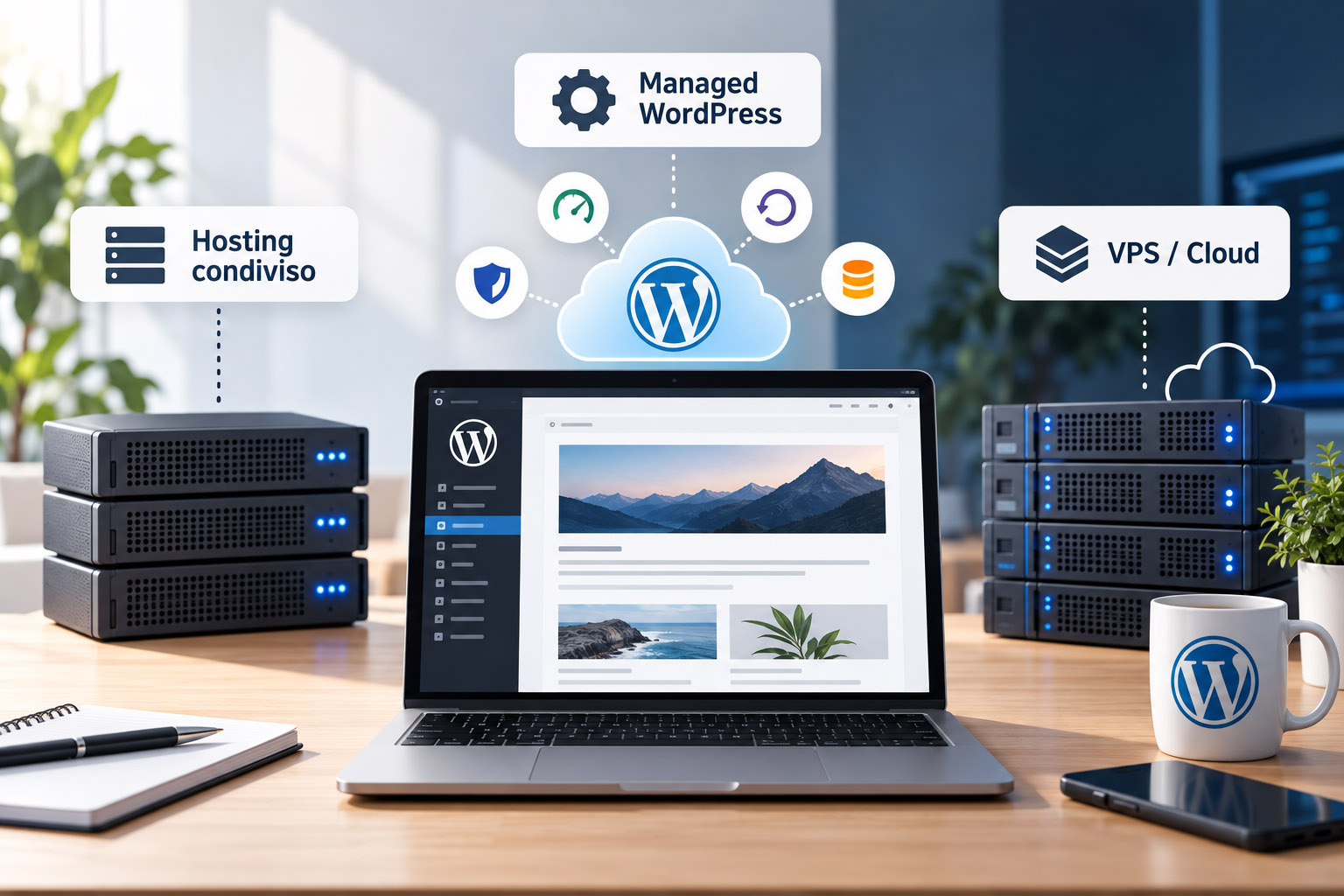
3. Shared hosting, managed WordPress, or VPS: what really changes?
| Factor | Shared hosting | Managed WordPress | VPS/cloud |
|---|---|---|---|
| Initial cost | Usually lower | Often higher | Variable; server and management may be separate costs |
| System administration | Limited | Very limited | Handled by the customer or a provider |
| Stack control | Limited | Limited by platform policies | High |
| Caching, backups, and staging | Depend on the plan | Often included | Must be configured or purchased |
| Technical access | Varies | Often available, with restrictions | Can be configured freely |
| Flexibility | Low to medium | Medium | High |
When to choose shared hosting
It is suitable for blogs, portfolios, and mostly public, cacheable business websites with a limited budget and few customisation requirements. It can be an appropriate choice if the provider offers SSL, reliable backups, server-side caching, and explicit resource limits.
“Unlimited storage” or “unlimited bandwidth” do not describe the available computing capacity. CPU, memory, I/O, concurrent processes, inodes, timeouts, database limits, and cron limits matter. Also check the plan’s fair-use terms.
When to choose managed WordPress
The main value of a managed service is operational: it may include caching, CDN, backups, restore tools, staging, monitoring, security, and specialist support. This reduces day-to-day work, but does not automatically make the plan more suitable than every alternative.
Check limits for visits, PHP workers, database resources, storage, and cron, as well as any disallowed plugins or configurations. Some platforms publish restrictions to prevent conflicts with their caching, backup, or security systems, so always review the documentation for the provider and plan you are considering.
When to choose a VPS or cloud server
A VPS or cloud server is appropriate when you need control over the stack, SSH, WP-CLI, deployments, automation, custom configurations, or separation between the application, database, cache, and background processes. It is a sensible option for technical teams and agencies, not a mandatory step for every growing site.
The server price does not necessarily include operating system updates, hardening, firewall configuration, monitoring, alerts, application backups, restore testing, a WAF, or incident response. Before choosing this route, clearly assign these responsibilities to an internal person or an external provider.
4. What to check in the plan documentation
WordPress recommends PHP 8.3 or later, MariaDB 10.11+ or MySQL 8.0+, HTTPS, and preferably Apache or Nginx. Current requirements are available in the official documentation. Minimum compatibility, however, does not show whether a plan is sufficient for a site with dynamic load.
Compare two or three plans using the same criteria:
- CPU, RAM, I/O, concurrent processes, PHP workers, PHP memory, and timeouts;
- database size, connections, and management tools;
- caching, CDN, and persistent object caching where relevant to the project;
- backups: frequency, retention, file and database coverage, export options, and restore process;
- staging, SSH, SFTP, WP-CLI, system cron, and log access;
- number of sites, storage, inodes, data-centre region, overage charges, renewal price, currency, taxes, and payment terms;
- support channels, hours, response times, and WordPress and WooCommerce expertise.
The WP_CACHE setting alone does not enable a complete caching strategy, as explained in the WordPress documentation. Redis is not a universal solution either: for a small publishing site, page caching, a CDN, images, and the theme may have more impact; for an e-commerce store, PHP workers, the database, and background processes often become important as well.
5. Special cases: WooCommerce, membership sites, and agencies
WooCommerce and campaign-driven e-commerce
WooCommerce should be assessed around checkout, cart, accounts, search, orders, email, and simultaneous users. These areas are less cacheable than product or editorial pages and require attention to PHP workers, the database, cron, backups, and correct cache exclusions.
On installations with many scheduled tasks, check how the plan handles WP-Cron and whether it allows system cron or WP-CLI. By default, WP-Cron depends on site traffic; a server-side cron can run independently of traffic and may be more reliable. WooCommerce scheduled actions are used for tasks such as order notifications and payments, making these processes important to assess.
HPOS stores orders in dedicated WooCommerce tables, as described in the WooCommerce documentation, but it does not remove the need to review queries, plugins, extension compatibility, and application load. HPOS is enabled by default for new installations from WooCommerce 8.2; existing stores should check extension compatibility and table synchronisation or migration. Before a critical campaign, test checkout, email, and background processes ahead of the expected spike.
Membership sites, LMS platforms, communities, and agencies
Logins and personalised content reduce the effectiveness of page caching. For membership sites, LMS platforms, and communities, the number of simultaneous logged-in users matters most, along with performance in restricted areas, queries, and background processes.
For agencies and developers, the main criteria are standardisation, number of sites, Git, SSH, WP-CLI, deployments, roles, and system administration capacity. A managed multisite platform can simplify operations; managed cloud or VPS hosting offers more control when a reliable technical process is already in place.
6. Backups, staging, and migration
“Daily backups” are not enough to evaluate a plan. Check frequency, retention, file and database coverage, where copies are stored, export options, restoration cost, and whether restores can be complete or selective. For important sites, keep an independent copy as well and test recovery periodically.
Check staging features before using it for sensitive updates: available resources, caching, email and webhook handling, payments, password protection, and noindex settings. Staging can differ from production, and providers often document limitations and specific behaviour for their environments.
If you change hosting, prepare an independent backup and a rollback plan. Test the new environment before the switch, then check DNS, SSL, login, forms, checkout, email, webhooks, APIs, and cron. If URLs do not change, monitor logs, traffic, crawling, errors, and response times before decommissioning the old environment. If URLs also change, review canonical URLs, robots directives, sitemaps, redirects, and noindex settings. Google recommends testing the site and monitoring it during a site migration with URL changes.
Your final choice should be practical: compare two or three plans against the same criteria and choose the least complex option that meets your use case, operational needs, and realistic traffic peaks.
Share this post
About the Author: Enrico