WordPress Custom Post Types: when to use them and how to create them with ACF or code

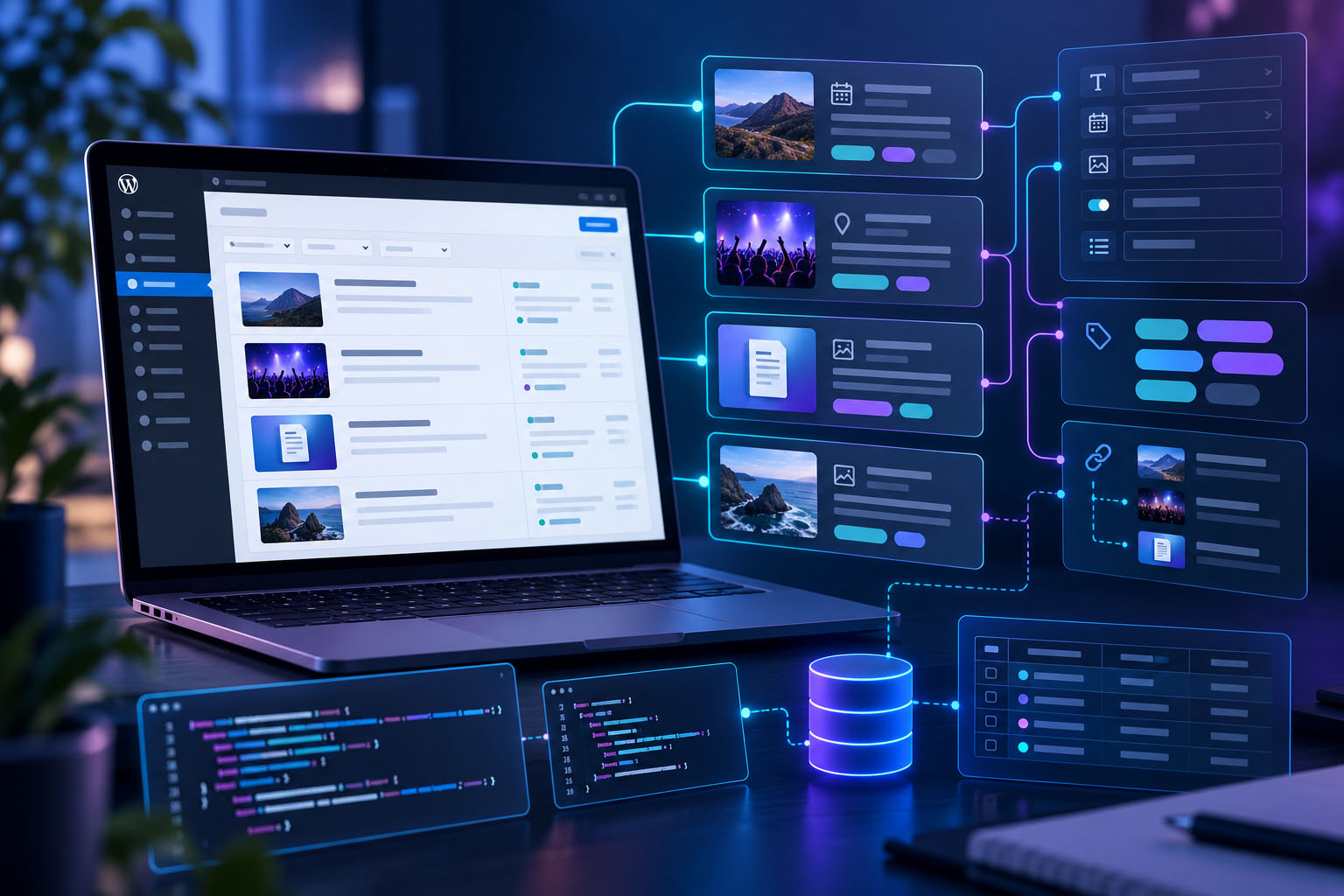
A WordPress Custom Post Type is not simply a way to create more pages on a website. It is used to represent content with its own editorial identity: something published repeatedly, with recurring data, that may need an archive, filters, relationships, and a dedicated template.
A typical example is a website that publishes events. Each event has a title, description, date, price, registration details, and perhaps speakers or a venue. Treating these items as regular posts soon makes it difficult to keep data consistent and build useful pages. A CPT lets you model the content before you even design its layout.
When a Custom Post Type is the right choice
How it differs from posts and pages
WordPress already includes native post types such as posts, pages, and attachments. With register_post_type(), you can register additional types with their own admin screen, permalinks, archive, taxonomies, capabilities, and selected supports.
A CPT does not automatically create a new database table: its content is stored in the standard posts table and distinguished by the post_type value. However, it can have public-facing and administrative rules that are completely different from regular posts.
A CPT is appropriate when content:
- is created and updated repeatedly;
- has recurring properties, such as a date, price, address, or attached document;
- deserves its own single page, archive, or filters;
- needs to be reused across several sections of the website;
- requires relationships, permissions, or a separate editorial workflow.
For events, for example, an archive of upcoming dates and filters by event type can be genuinely useful. The same reasoning applies to courses, properties, case studies, downloadable resources, or team members.
Do not create a CPT for a single corporate page, for posts that differ only by category, or for a purely visual requirement that can be handled with blocks and templates. Also avoid it when a specialized plugin already manages the required functional domain correctly. A CPT does not provide automatic SEO benefits: pages and archives must serve a practical purpose for people looking for information.
CPTs, taxonomies, ACF fields, and relationships: designing the model
The most useful decision happens before installing plugins or writing code. For the events example, each piece of information should be assigned to the right tool.
| Requirement | Tool | Example |
|---|---|---|
| Entity with its own page and editorial lifecycle | Custom Post Type | Event, course, property |
| Shared, navigable classification | Taxonomy | Event type, industry |
| Data belonging to a single item | Custom field | Date, price, registration URL |
| Internal list without its own identity | Repeater or field group | Day schedule, FAQs |
| Related entity with its own pages | Second CPT + relationship | Speaker, venue |
A city clearly illustrates the difference. It can be a text field if it is only displayed on the event page. It becomes a taxonomy if users need to find a useful collection such as “Events in Milan.” If the venue has an address, map, contact details, images, and is used by many events, a related Venues CPT makes sense.
A practical rule: an entity with its own page and editorial lifecycle suggests a CPT; the need to aggregate and filter suggests a taxonomy; a descriptive property is a field; and an internal list is a repeater.
ACF or code: which approach to choose and where to register the CPT
Advanced Custom Fields lets you create field groups and, through its interface, post types and taxonomies as well. Code in a custom plugin provides greater control over distribution and the development lifecycle. These are not mutually exclusive options.
| Approach | When it is appropriate | Benefits and limitations |
|---|---|---|
| ACF interface | Standard projects and teams that need to manage configurations | Fast and easy to read; requires organized configuration management |
| Custom plugin | Products, integrations, deployments, and custom capabilities | Version-controlled and independent; requires development and maintenance |
| Hybrid approach | Professional projects already based on ACF | Visual initial configuration, then PHP export or Local JSON in the repository |
ACF is a good choice when fields and the content model need to be editable by the team. Repeater, Flexible Content, and Options Page are features to check based on the license and version in use. Definitions can be exported to PHP or saved as Local JSON in the acf-json folder, making them easier to synchronize between staging and production.
Code-based registration is preferable when the CPT is part of a product, needs to be distributed, reviewed through code review, or maintained independently of ACF and the theme.
The functions.php file can work, but it ties the content model to the design: when changing themes, the CPT may disappear from the admin panel. Register it in a dedicated plugin instead or, where appropriate, in a mu-plugin.
The technical key should be short, stable, lowercase, and prefixed. A post type key can be up to 20 characters long, while a taxonomy key can be up to 32. In this example, we will use acme_evento and acme_tipo_evento, avoiding generic names that could conflict with themes or plugins. The public slug can be different: here it will be eventi. Changing the technical key requires a content migration; changing an already published slug requires 301 redirects, checks on internal links, canonicals, and sitemaps.
Tutorial: creating the Events CPT and taxonomy with a plugin
Create the wp-content/plugins/acme-eventi folder and add the acme-eventi.php file inside it. Then activate the plugin from the WordPress dashboard.
Registration takes place on init, as required by the WordPress APIs. The activation hook first registers the structures and then regenerates the rewrite rules. Do not call flush_rewrite_rules() on every request: it is an expensive operation. If you encounter a 404 during development, save the Settings → Permalinks page again.
Adding fields with ACF and preparing queryable content
In ACF, create a field group called “Event data” and apply it when the post type equals acme_evento. A basic configuration may include:
- start and end dates with Date Picker;
- time with Time Picker;
- price with a Number field;
- registration URL with a URL field;
- speaker with Relationship or Post Object;
- schedule PDF with a File field;
- a “Featured” flag with True/False.
With Local JSON, ACF saves definitions in the acf-json folder of the configured theme or plugin. Version these definitions, not the editorial content stored in the database. Alternatively, export field groups to PHP and include them in the project plugin.
To retrieve upcoming events, use a format consistent with the saved value. The ACF Date Picker normally stores the database value in Ymd format; in this case, a numeric comparison is appropriate:
$eventi_futuri = new WP_Query( array(
    'post_type'      => 'acme_evento',
    'posts_per_page' => 12,
    'meta_key'       => 'data_inizio',
    'orderby'        => 'meta_value_num',
    'order'          => 'ASC',
    'meta_query'     => array(
        array(
            'key'     => 'data_inizio',
            'value'   => current_time( 'Ymd' ),
            'compare' => '>=',
            'type'    => 'NUMERIC',
        ),
    ),
) );
Values in wp_postmeta are handled as strings. For dates, prices, and times, use the appropriate type in the meta_query, such as DATE, DATETIME, NUMERIC, or DECIMAL, based on the format actually stored.
Very large Repeaters, complex Flexible Content layouts, and multiple filters on large catalogs can make both the editor and front end heavier. For high volumes, assess the data model before relying exclusively on post meta and complex queries.
Templates, Gutenberg, REST API, and SEO
In a classic theme, WordPress will look for single-acme_evento.php for an individual event page and archive-acme_evento.php for the archive. In block themes, the template hierarchy follows similar logic, but templates are block-based HTML files in the /templates folder. Changes saved through the Site Editor may override files provided by the theme.
The front-end template controls the public page. An editor block template, on the other hand, defines the initial structure of a new item; a template lock limits which blocks the editor can modify. These are separate tools.
show_in_rest => true enables the CPT for Gutenberg and the REST API. However, it is not enough to expose ACF fields: the “Show in REST API” option must also be enabled in the field group, as indicated in the ACF REST API documentation.
Archives and taxonomies should be published only if they genuinely help navigation or match real searches. A sitemap can communicate URLs to search engines, but it does not guarantee indexing. Public pages should be useful, reachable through crawlable links, and aligned with the principles of helpful, people-first content. Thin or duplicate archives require a deliberate editorial decision.
Pre-publication checks and common issues
- 404 on a single page or archive: check that the plugin is active, registration runs on
init, there are no slug collisions, and permalinks have been regenerated. - Gutenberg is missing: check
show_in_restand the post type supports. - ACF fields are not in the REST API: enable “Show in REST API” in the field group as well as
show_in_reston the CPT. - CPT missing from the homepage: it is not automatically added to the main query; modify the query only when there is a genuine editorial need.
- Duplicate CPT: check that it is not registered simultaneously by ACF, CPT UI, the theme, and a plugin.
- CPT disappears after changing themes: move registration from the theme to a dedicated plugin.
Before release, check keys and slugs, the single and archive templates, field types, permissions, existing URLs, and redirects. Keep Local JSON or PHP exports in the repository, test on staging, create backups, and evaluate sitemaps and indexing only for sections that deserve visibility.
For a new project, start with the entity and its relationships, not the configuration screen. Create a few real events, verify how the team searches for and manages them, then add archives, taxonomies, and relationships only when they genuinely improve the website experience.
FAQ
What is a Custom Post Type in WordPress?
A Custom Post Type is a custom content type that sits alongside posts and pages. It lets you manage entities such as events, courses, properties, or case studies with dedicated archives, taxonomies, fields, and templates.
When should you create a Custom Post Type?
It is useful when content is published repeatedly, has recurring data, requires its own page or archive, or needs to be filtered, classified, or linked to other content.
What is the difference between a Custom Post Type, a taxonomy, and an ACF field?
A Custom Post Type represents an editorial entity, a taxonomy classifies and aggregates multiple items, while an ACF field stores a specific property of a single item, such as a date, price, or URL.
Is it better to create a Custom Post Type with ACF or code?
It depends on the project. ACF makes configuration faster and easier to manage, while a custom code-based plugin provides more control, versioning, and independence from the theme. Professional projects can also use a hybrid approach.
Is it better to register a Custom Post Type in functions.php or in a plugin?
In general, a dedicated plugin or, where appropriate, a mu-plugin is preferable. Registering it in functions.php ties the Custom Post Type to the theme, and it may no longer be available after switching themes.
Why does a Custom Post Type return a 404 error?
Common causes include outdated rewrite rules, slug collisions, an inactive plugin, or registration happening at the wrong time. During development, saving the Settings → Permalinks page again may be enough.
Share this post
About the Author: Enrico